IPTV Argentina Guide for UK Viewers: Setup and Safety
UK viewers can access Argentine television through broadcaster-authorized apps or public M3U playlists, but a link alone does not guarantee legal or reliable access. A familiar voice or live match can make a distant home feel closer. An M3U playlist is a text file containing stream addresses; a player loads a stream when a viewer selects a channel. The content provider supplies channels and viewing rights, while an IPTV player is the app that plays stream links.
Broadcaster-authorized apps offer one route, while public links may provide another. Public access does not prove a stream is permitted for UK viewing or that it will remain online. Check which devices the chosen app or player supports, and distinguish the channel’s content from the tool that plays it. This guide helps households compare access routes without assuming every stream works everywhere. Availability can differ between public channels and premium sports or series, so the best route depends on what the household wants to watch.
What Can IPTV Argentina Offer Viewers in the UK?
Publicly listed Argentine channels include news, public-service, cultural, sports and commercial options, while access from the UK can depend on each stream. Some links may play live television, or vivo, while others may lead to recorded content or fail to load.

National and regional channel examples
IPTV playlists for Argentina can include public broadcaster links, but channel availability and UK access vary. Examples span national networks and programming with different audiences. A listed channel does not mean every stream is active, available in Britain or supplied with rights for UK viewing.
- News: TN Todo Noticias, C5N and Crónica TV.
- Public and cultural: Televisión Pública, Encuentro, Pakapaka and Cine.AR.
- Sports: DeporTV, which carries sports programming.
- Commercial networks: Telefe, El Trece, El Nueve, América and Net TV.
These examples show the range of canales a viewer may encounter, not a promise that every channel will work. Broadcasters can limit distribution by location, and a stream may change without notice. Some services focus on live news or sport, while others feature series or films.
Public M3U playlists and their limits
A free popular IPTV playlist is a collection of stream addresses, not a guarantee that every link works or is licensed for UK viewing. The Argentina country playlist is https://iptv-org.github.io/iptv/countries/ar.m3u. The full IPTV-org playlist is https://iptv-org.github.io/iptv/index.m3u.
PLAYLISTS.md was updated on November 1, 2026. On that date, IPTV-org’s category playlist listed 478 sports channels and 1,049 news channels. Those totals cover the wider category playlist, not the Argentina country list.
Individual entries can carry useful limits. Ciudad Magazine is listed at 1080p as geo-blocked, while DeporTV is listed at 1080p as not 24/7. These labels describe the stream entry rather than a stable viewing experience. A broader Argentina provider guide can offer more context, but its provider-specific details still need to be checked against current terms. Treat a listed resolution as a stream label, not a promise of uninterrupted playback.
Free Playlist or Paid Service: Which Fits UK Viewers?
A public playlist suits viewers willing to test individual streams, while a paid service suits viewers who value a supported package and can verify its rights and terms. The right choice depends on whether a household wants occasional access or a service with defined support.

When a public playlist is enough
Public links may suit viewers who want to try a few channels without committing to a subscription. They can be a useful test when occasional access is enough and the viewer accepts that individual streams may stop working. A playlist itself does not provide customer support or confirm the rights behind each stream.
An IPTV Argentina Player listing should say whether the app supplies channels or only plays links. An app’s name or presence in an app store does not establish that its channels are licensed for UK viewing. The player and the content provider have different roles, even when a single service presents both together.
Some viewers may find a public list practical for a specific news stream, while others need reliable access to live sports or series. The number of available channels matters less than whether the particular content the household watches can be reached lawfully and consistently. A web page or app listing alone cannot answer that.
What to verify in a paid service
A paid service may suit viewers who want a supported package, but its UK rights and access conditions need to be clear. Check the channels included, supported devices, the number of simultaneous streams, billing frequency and cancellation process. The service’s terms should explain these points before payment.
Do not treat an app listing or payment page as proof that all listed content is authorized. A payment screen confirms only that the seller accepts payment, not that it holds the rights to every channel. The service’s price depends on its package and terms, so use its current checkout information before paying.
For a paid option, readers can review the IPTV ordering page alongside the service’s own terms. The page alone does not establish channel rights, device support or UK availability. A service should state who operates it and how customers can contact the operator about access problems.
Compare the package with the viewing needs that matter, rather than relying on a large channel count or a low headline price. Before paying, confirm in writing which Argentine channels are included and whether viewing from the UK is allowed.
How to Set Up an Argentina M3U Playlist on Your Device
On a computer, paste the playlist URL into VLC’s Network Stream option; on Kodi, load it through the PVR IPTV Simple Client add-on. A practical guía instalación starts with the playlist address and a compatible player, not a downloaded video file.
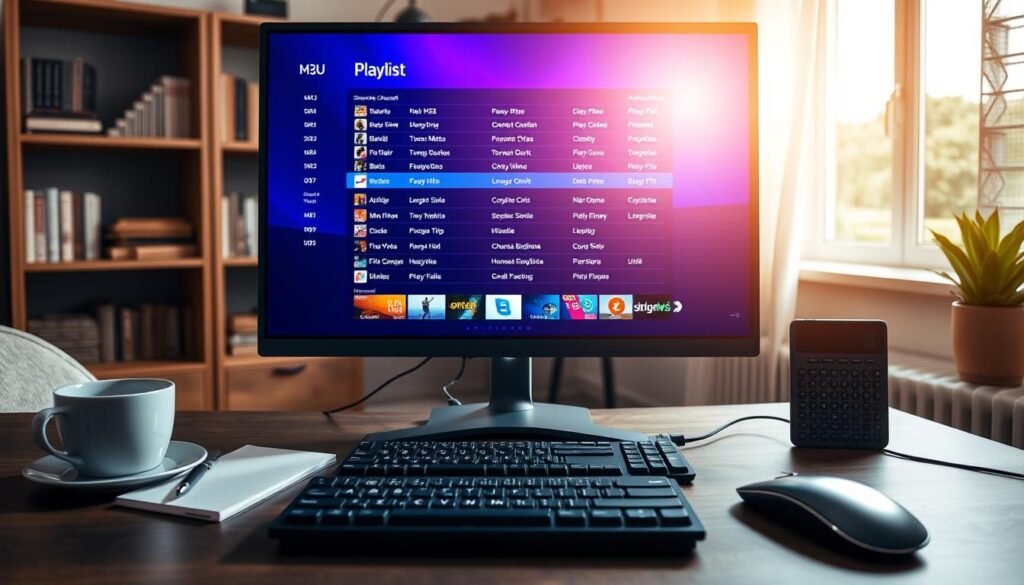
Follow these steps to test a playlist before making changes to it:
- Copy the M3U playlist URL you intend to test.
- In VLC, open Network Stream and paste the URL.
- In Kodi, configure the PVR IPTV Simple Client add-on with the playlist.
- Select a channel and test whether playback starts.
Smart TVs, phones, tablets, computers and streaming boxes need a compatible IPTV player or app. The app must accept the relevant playlist URL or service login. Supported dispositivos vary by model and software, so an app available on one television may not run on another.
A stable internet connection helps prevent pauses during streaming. A wired connection can help when Wi-Fi is inconsistent, especially if the device sits near a router or network port. A playlist URL points to stream addresses; it is not a video file stored on the device. Trying to open it from a file browser as a local film is a common setup mistake.
If a channel does not load, test its individual link with a link-checking tool such as M3U Validator or Dead Link Checker. M3U Filter and M3U Editor can help select or edit playlist entries, but editing the whole list is not the first step. Test one stream at a time so a failed entry does not obscure the rest of the playlist.
A link may fail because it has changed, closed or become unavailable from the UK. Check the broadcaster’s own page to see whether its stream works there. If one stream fails, check the broadcaster’s own page before rebuilding the entire playlist.
Are Argentine IPTV Streams Legal and Safe in the UK?
A stream being publicly reachable does not by itself show that its distributor has permission to offer it in the UK. Lawful access depends on the content and the distributor’s authorization, not simply on whether a link opens in a player.
Copyright permission and UK consequences
Broadcasters and rights holders can set limits on where content is distributed. A public stream may lack the permission needed for UK viewers, even if its address appears in a playlist. A VPN changes the apparent location of an internet connection, but it does not grant copyright permission or make illegal IPTV legal.
UK courts can impose fines of up to £50,000 and imprisonment of up to 10 years for illegal IPTV. Those are maximum penalties, not automatic sentences for every viewer. Any outcome depends on the circumstances of the case.
For practical UK guidance on unauthorised streams and related risks, Crimestoppers’ streaming risk information covers concerns such as malware, fraud and data theft. Unregulated sources can also expose younger viewers to explicit advertising or unsuitable material. A service offering premium sports or series at unusually broad access should be assessed by its rights and operator details, not its claims alone.
IPTV-org stopped distributing NSFW channels on January 30, 2024. That policy applies to IPTV-org’s distribution; it does not show that every third-party list follows the same rules. Separate lists can have different operators, content and safeguards.
Checks that reduce account and device risks
Before using a service, identify the operator and read its rights and privacy information. Check its payment and cancellation terms, including what happens when an account is closed. These details help distinguish a named business with clear terms from a site that gives customers no way to understand who handles their data.
Be cautious when a website hides its identity but asks for account or payment details. Unknown app files can carry risks, particularly when they come from an unclear operator or request permissions unrelated to playback. Avoid granting access to contacts, messages or other personal information unless the app explains a clear need.
Keep account details separate from unrelated services, and do not reuse a password that protects email or banking. If a device prompts for permissions that do not match its basic streaming function, stop and review the request. A working stream does not prove that the app or its distributor is safe.
Households with children should also consider what a service might show beyond the intended channel. A public list can include links maintained by different parties, so the content and advertising may not follow one shared policy. Do not enter payment details where the operator’s identity and terms are hidden.
Conclusion
For occasional public channels, a broadcaster-authorized stream or playlist can be a practical first test; viewers seeking premium sports or series should verify a licensed package’s UK terms. A public playlist is a source of links, not a guarantee of rights or uptime. Paid access also needs clear terms and permission for viewing from the UK.
Start by writing down the Argentine channels that matter to the household. Test those streams on the devices used most often, then note which worked and when. That record gives viewers a concrete basis for judging whether a longer commitment suits their needs. Record which streams worked and when you tested them before committing to a longer-term option.